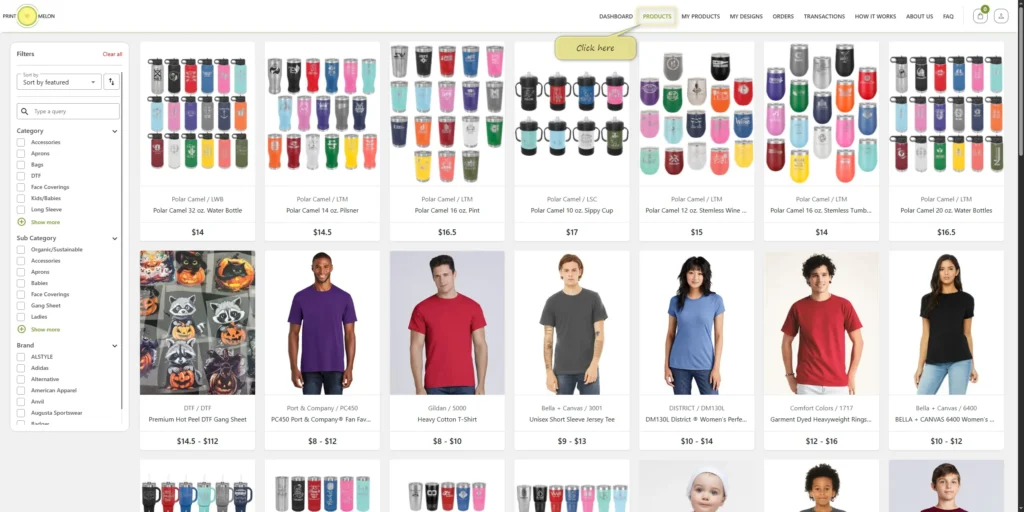
Click on “Products”
Start by browsing the available products in our catalog.
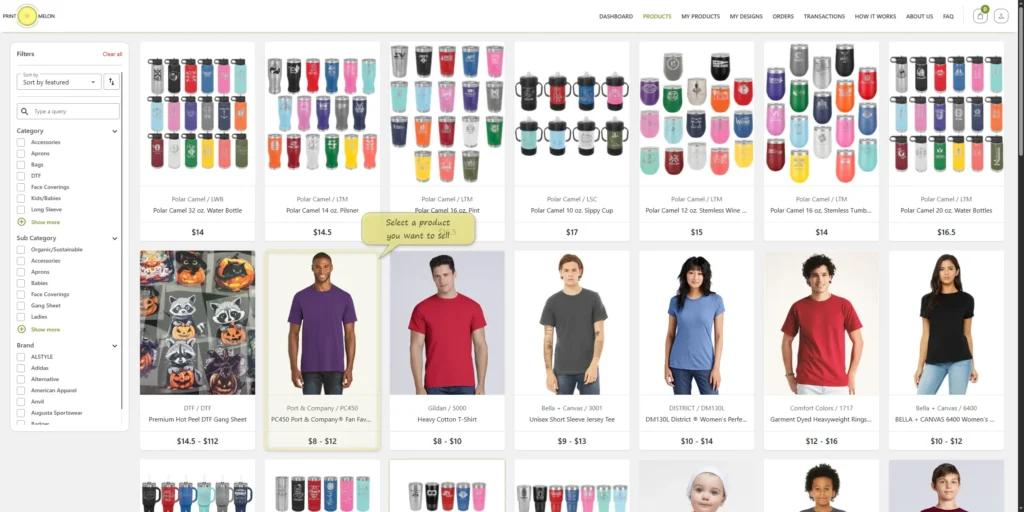
Select a Product You Want to Sell
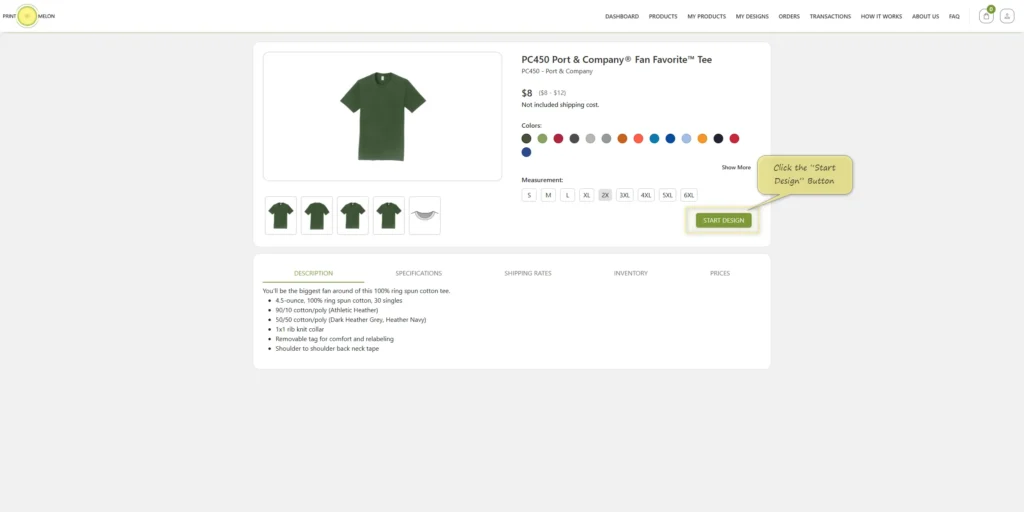
Choose the product you’d like to customize and sell (e.g., T-shirt, mug, hoodie).
Click the “Start Design” Button
This will open the design editor for the selected product.
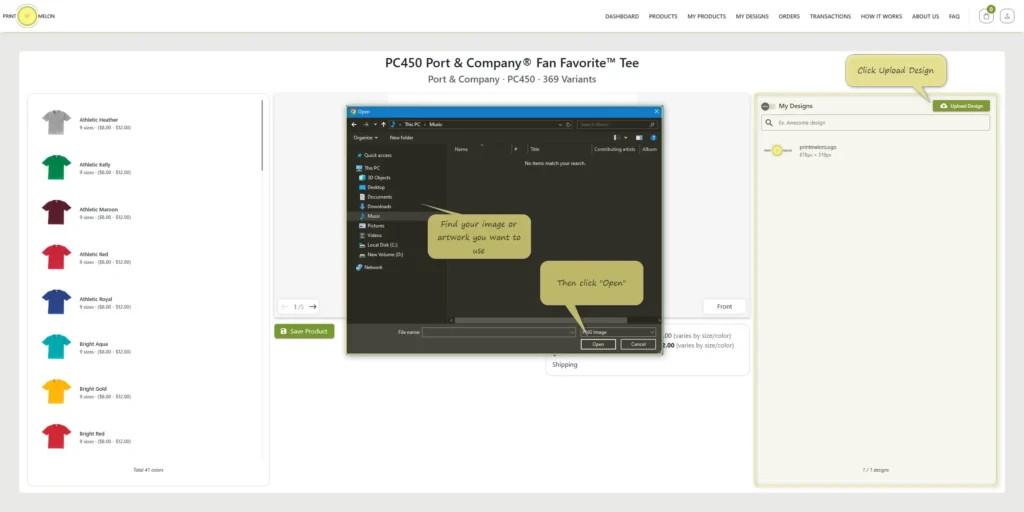
Go to “My Designs” Section
Click Upload Design and select the image or artwork you want to use.
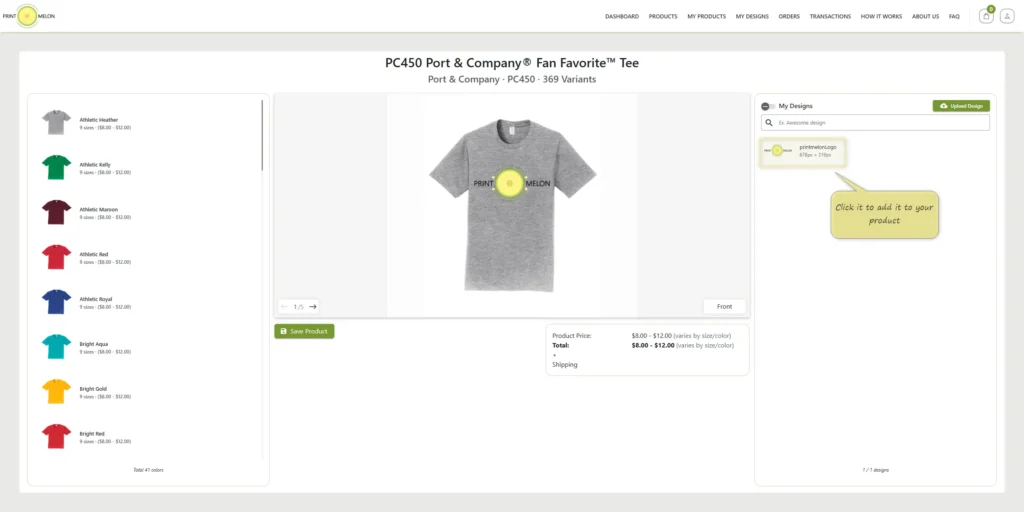
Click on Your Uploaded Design
Once it appears in your library, click it to add it to your product.
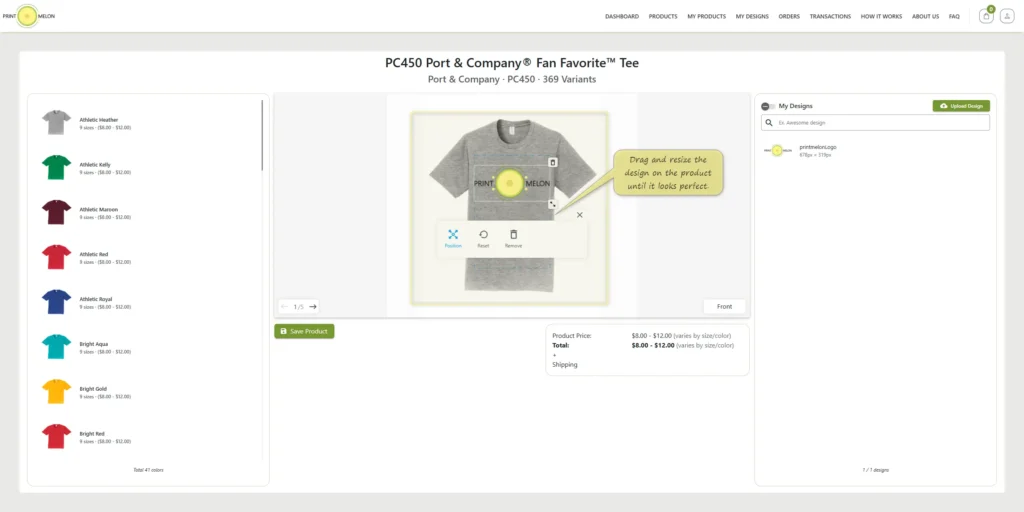
Position Your Design
Drag and resize the design on the product until it looks perfect.
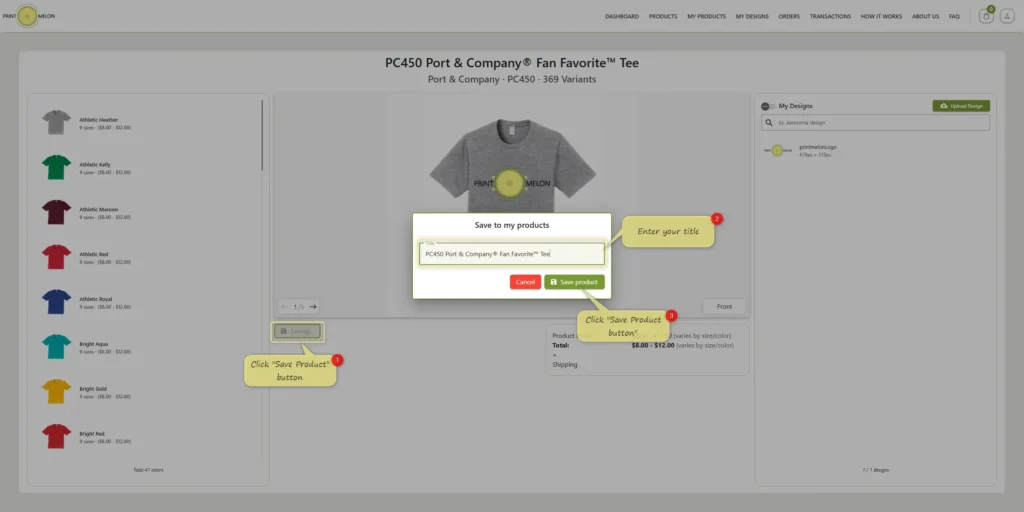
Click the “Save Product” Button
This will save your customized product.
Your product is being prepared
We are creating your product in the background. It will be ready in a minute. The page will be automatically refreshed once it is ready but you do not have to wait. You can close this page and go to “My Products” section, you will find your product there once it’s ready.
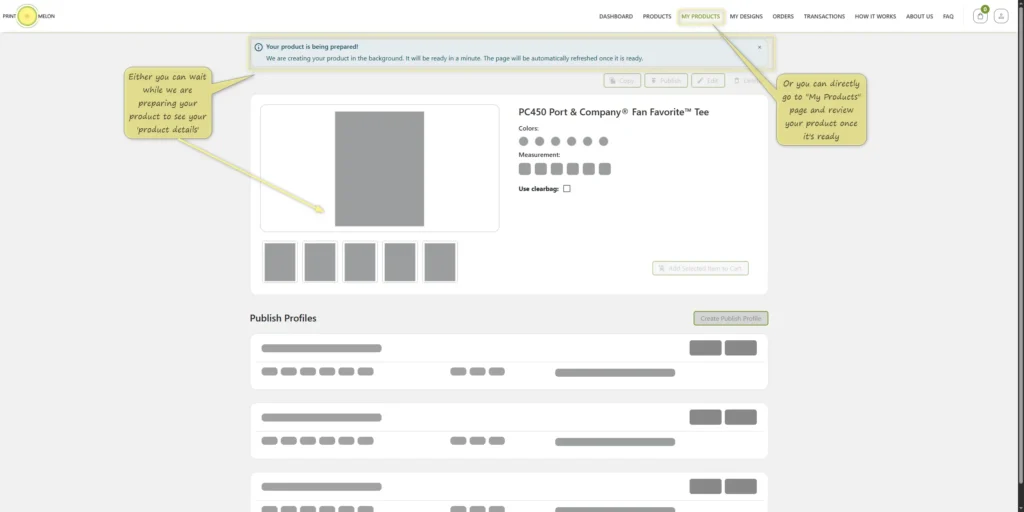
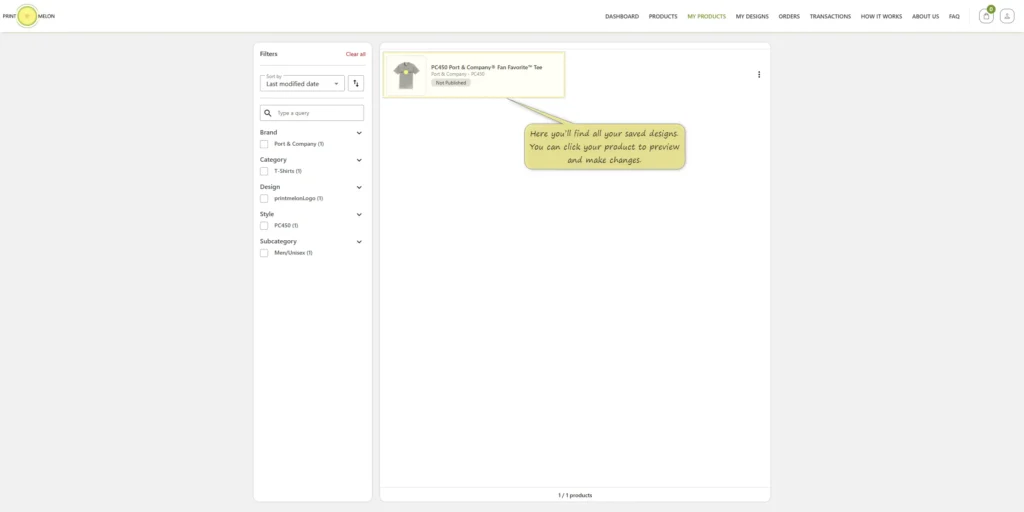
Go to “My Products” Tab
Here you’ll find all your saved designs. You can click any product to preview and make changes.